
Where IRL meets the imagINe nation

5t-0_0-piD is a glitchy little string of code that resides on this Minifigure thumbdrive.

‘Cuz…that’s how it makes me feel.
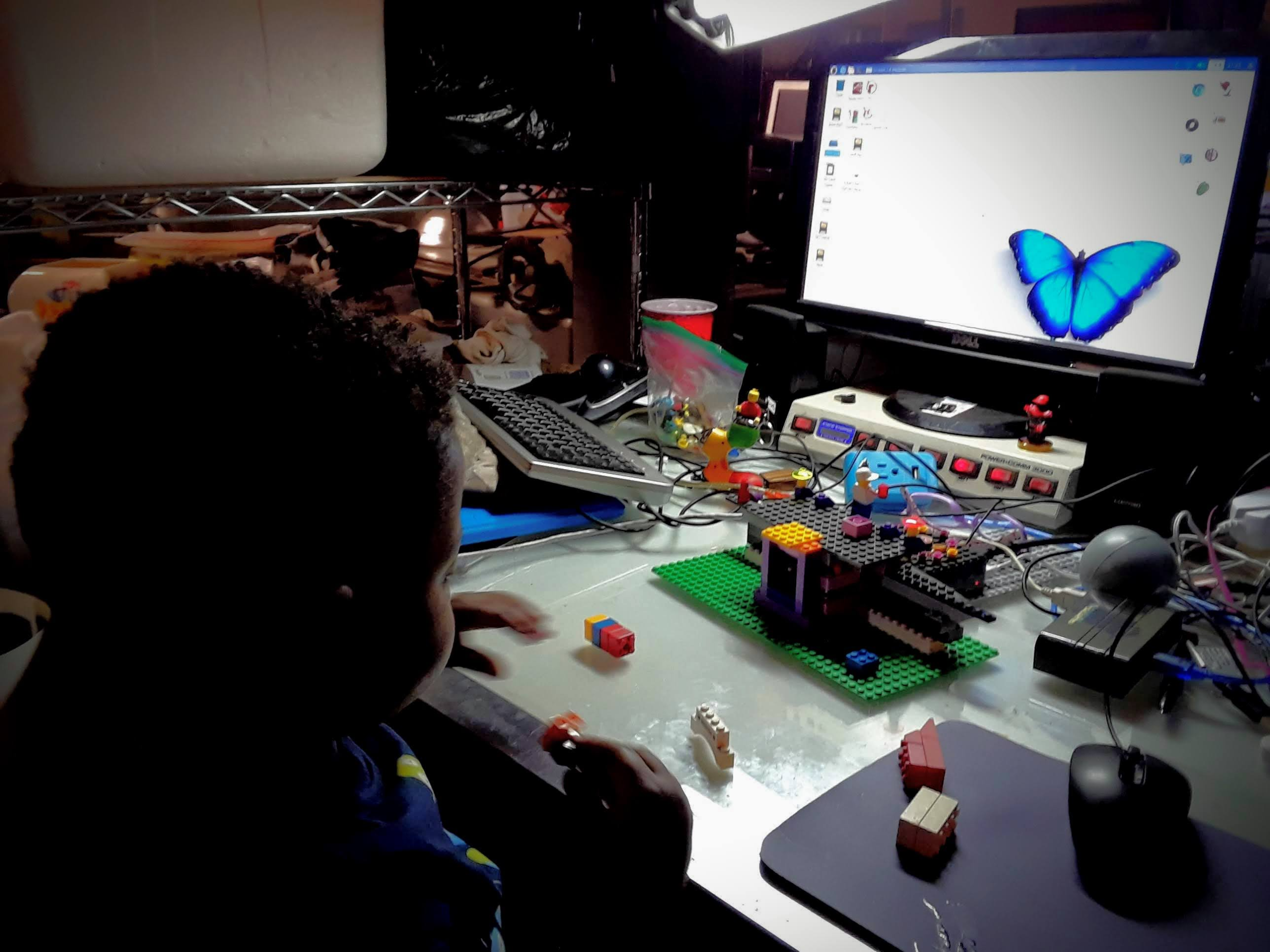
It responded to my grandson’s voice, shouting, “What up, doe? Stupid.” Granting him access to a folder of Ninago movies and songs on the drive.
5t-0_0-piD is the fifth and last time I attempted to make a Machine Learning program.
And it has become a sort of mascot.
Since then, 5t-0_0-pid and the 5+ year-old Raspberry Pi have graduated to the host server of the websites 5t00pid.local and ABOK.local. Hopefully by the time we meet IRL, the server for the site-based Minecraft environment I was to have made for a young person’s 5th birthday, four years ago.

So, AI said to me…
Hello Ulysses, as a fellow traveler through the world of smidgens and community infrastructure, this project sounds like a fantastic way to merge your interests in community networking and technical design. Combining a Minecraft server with LocalWP and a Meshtastic node on a Raspberry Pi is an ambitious “jugaad” style build!
Then it gave me a punch list.
To pull this off, we need to orchestrate several layers: the game server, the web server (LocalWP) for the portal, the networking (Access Point/Captive Portal), and the Meshtastic integration.
Phase 1: The Foundation (Raspberry Pi & Minecraft)
First, ensure you are running a 64-bit OS (Raspberry Pi OS 64-bit) for better memory handling, as Minecraft is a resource hog.
- Install Java: Minecraft requires modern Java (typically Java 17 or 21).
Bash
sudo apt update && sudo apt upgrade -y
sudo apt install openjdk-17-jdk-headless -y - Setup Minecraft: Create a folder and download the server JAR (e.g., PaperMC is recommended for performance on Pi).
Bash
mkdir ~/minecraft && cd ~/minecraft
# Replace with the latest version link from papermc.io
wget [URL_TO_PAPER_JAR] -O server.jar
java -Xmx1024M -Xms1024M -jar server.jar nogui - Accept EULA: Edit eula.txt and change false to true.
- Public URL: To give the Minecraft server a public address (since your home IP is likely dynamic), use a tool like Playit.gg or ngrok. Playit.gg is excellent for Minecraft as it handles the TCP/UDP tunnels specifically for the game.
Phase 2: The Portal (LocalWP)
LocalWP is traditionally a local development tool for WordPress, but on a Linux machine (via the .deb installer), it can serve sites locally.
- Install LocalWP: Download the .deb for Linux from the LocalWP website and install it.
- Create Your Portal: Build a simple WordPress site. This will be the “Splash Page” users see.
- Local Exposure: Use the “Live Link” feature in LocalWP (powered by ngrok) to get a public URL for your site, or better yet, point your captive portal software to the local IP of the LocalWP site (usually localhost:100xx).
Phase 3: The Captive Portal & Mesh Connection
This is where the Raspberry Pi becomes an Access Point (AP) that redirects users to your LocalWP site.
- Install RaspAP: This is the easiest way to turn your Pi into a wireless AP with captive portal capabilities.
Bash
curl -sL https://install.raspap.com | bash - Configure Portal: In the RaspAP web interface, enable the Captive Portal. Set the redirect URL to the address of your LocalWP site.
- Meshtastic Integration: Connect your Meshtastic node via USB. You can run meshtasticd (the Linux native daemon) on the same Pi to bridge the mesh to your local network.
- This allows you to broadcast the Minecraft server’s “Public URL” or the “Portal URL” over the Mesh network as a broadcast message or a “Station” info field.
Phase 4: Connecting the Dots
- The User Experience: A user joins your “Community Mesh WiFi” -> They are prompted by a Captive Portal (served by LocalWP) -> The portal provides the Public URL (via Playit.gg) to join the Minecraft server.
- The Mesh Role: Use the Meshtastic node to announce the server status. You can use a Python script with the meshtastic library to send a message to the mesh whenever the Minecraft server starts or a new player joins.
Summary Table
| Component | Software | Role |
| Server | PaperMC / Java | The Minecraft engine. |
| Website | LocalWP | The landing page/portal design. |
| Network | RaspAP | Managing the WiFi AP and redirecting users. |
| Tunnel | Playit.gg | Providing the public address for the game. |
| Communication | Meshtastic | Broadcasting the address to the mesh community. |
Would you like me to help you write a small Python script that links your Minecraft server logs to your Meshtastic node so it announces player joins to the mesh?
So, one of these Bubble Days, someone will bring snacks and join me in making this project a reality, and the POC / Prototype for our community hybrid mesh network